How to Improve Your Home Wi-Fi Signal
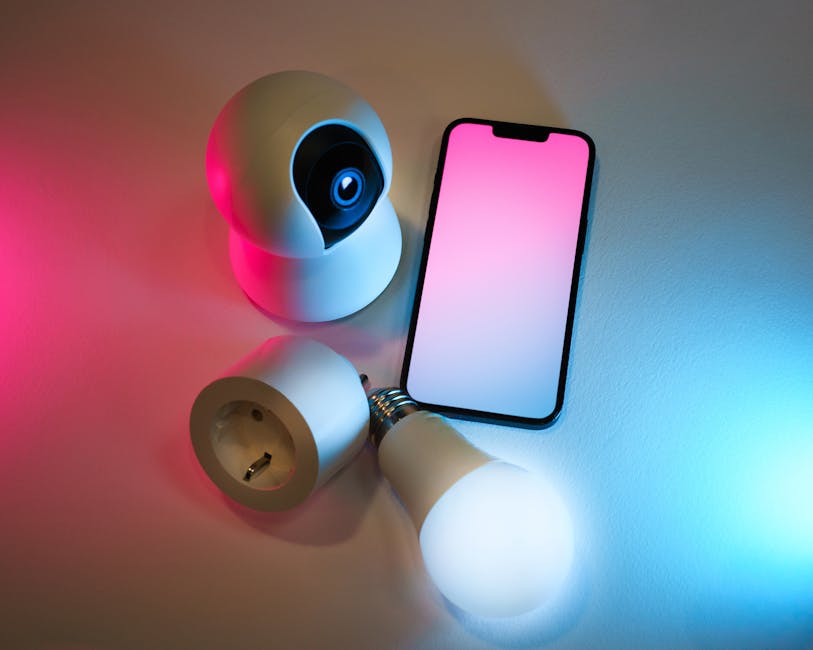
You've got fast broadband, but your Wi-Fi barely reaches the bedroom. This is one of the most common complaints, and fortunately, there are several straightforward solutions you can try without spending a fortune.
Router placement is crucial. Most people hide their router in a cupboard or behind the sofa, which is a mistake. Your router broadcasts in all directions, so place it in a central, elevated location—a shelf in the hallway or living room works well. Avoid enclosed spaces, as walls and metal objects absorb the signal.
Next, check which Wi-Fi channel you're using. Routers transmit on different channels, and interference from neighbouring networks can slow you down. Log into your router settings (usually 192.168.0.1 in your browser) and try switching channels. Channels 1, 6, and 11 work best as they don't overlap.
Consider switching to the 5GHz band if your router supports it. While it doesn't travel as far as 2.4GHz, it's faster and less congested. Many modern routers broadcast both simultaneously—try each to see which works best in different rooms.
If you still have dead zones, mesh Wi-Fi systems are worth considering. These use multiple units to blanket your home in coverage. They're more expensive than standard routers but far more effective than Wi-Fi extenders, which can actually slow your connection.
Other practical improvements include:
- Keep your router's firmware updated—check your provider's website for updates
- Reduce interference by keeping your router away from microwaves, cordless phones, and baby monitors
- Use an ethernet cable for devices that need reliable speed, like gaming consoles or smart TVs
- Limit the number of connected devices; older routers struggle with many simultaneous connections
- Change your Wi-Fi password regularly and use WPA3 encryption for security
If you're renting, you might not be able to replace your router. In that case, contact your provider—many now offer better equipment on request.
Finally, remember that Wi-Fi will never match your ethernet cable speed. If you need absolute reliability, plug in directly. But for everyday use, a well-positioned router should deliver perfectly good speeds throughout your home.