Getting Started with Your First Broadband Connection
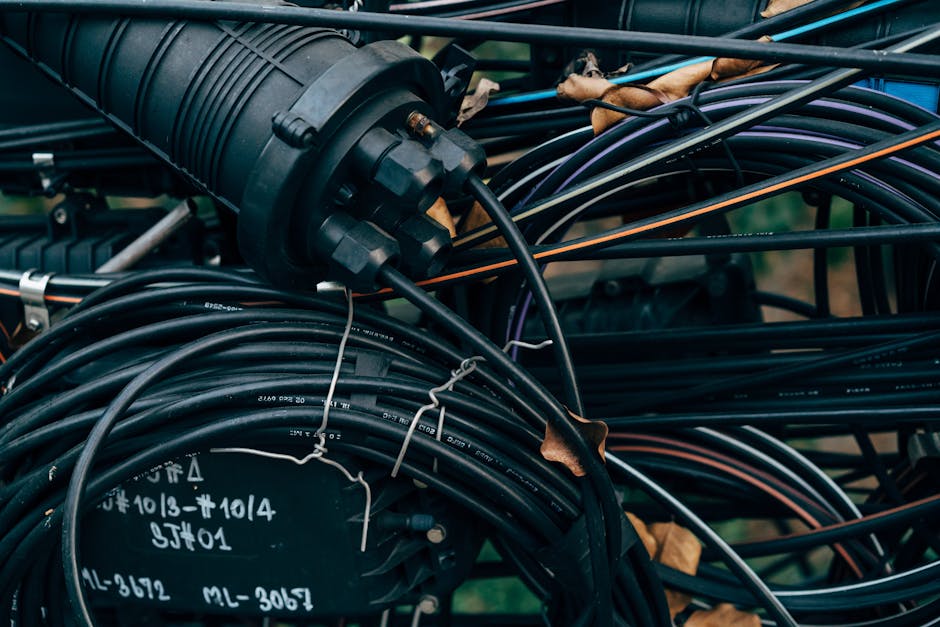
Getting connected to the internet for the first time can feel overwhelming, but the process is simpler than you might think. Whether you're moving into a new home or upgrading from dial-up, understanding your broadband options is the first step.
In the UK, you have several choices depending on where you live. ADSL remains available in most areas and offers decent speeds for everyday browsing and email. Fibre broadband is increasingly common and provides much faster speeds, making it ideal if you stream videos or work from home. Superfast fibre and full-fibre are the fastest options, though availability varies by postcode.
Before choosing a provider, check what's available at your address. Most major UK providers—including BT, Sky, TalkTalk, and Plusnet—offer free postcode checkers on their websites. This tells you exactly which packages you can get.
When comparing deals, look beyond just the headline speed. Consider:
- The guaranteed minimum speed stated in the contract
- Monthly cost and whether it increases after an introductory period
- Setup fees and whether installation is included
- Contract length and early termination charges
- Customer service reputation and support availability
Installation is usually straightforward. An engineer will visit your home, run a line from the street connection to your property, and set up your router. This typically takes a few hours. Make sure someone is home during the appointment window.
Once installed, setting up your router is simple. Most come with instructions, and many providers offer phone support if you get stuck. Connect your devices via Wi-Fi or ethernet cable, and you're ready to go.
Don't forget to secure your Wi-Fi network with a strong password to prevent unauthorised access. Your router manual explains how to change the default password—it's an important security step.
Finally, keep your router in a central location in your home for the best signal strength. Avoid placing it in cupboards or near metal objects, which can weaken the connection.